Save what interests you
An article, a book or a note. Anything you want to return to.
 Try the demo
 No language found.
Your library and AI, right on your phone.
Free. Offline.
Save what interests you. Find what you need. Explore it with AI. Articles, books, documents and your notes in one library.
App in development · for iPhone and iPad
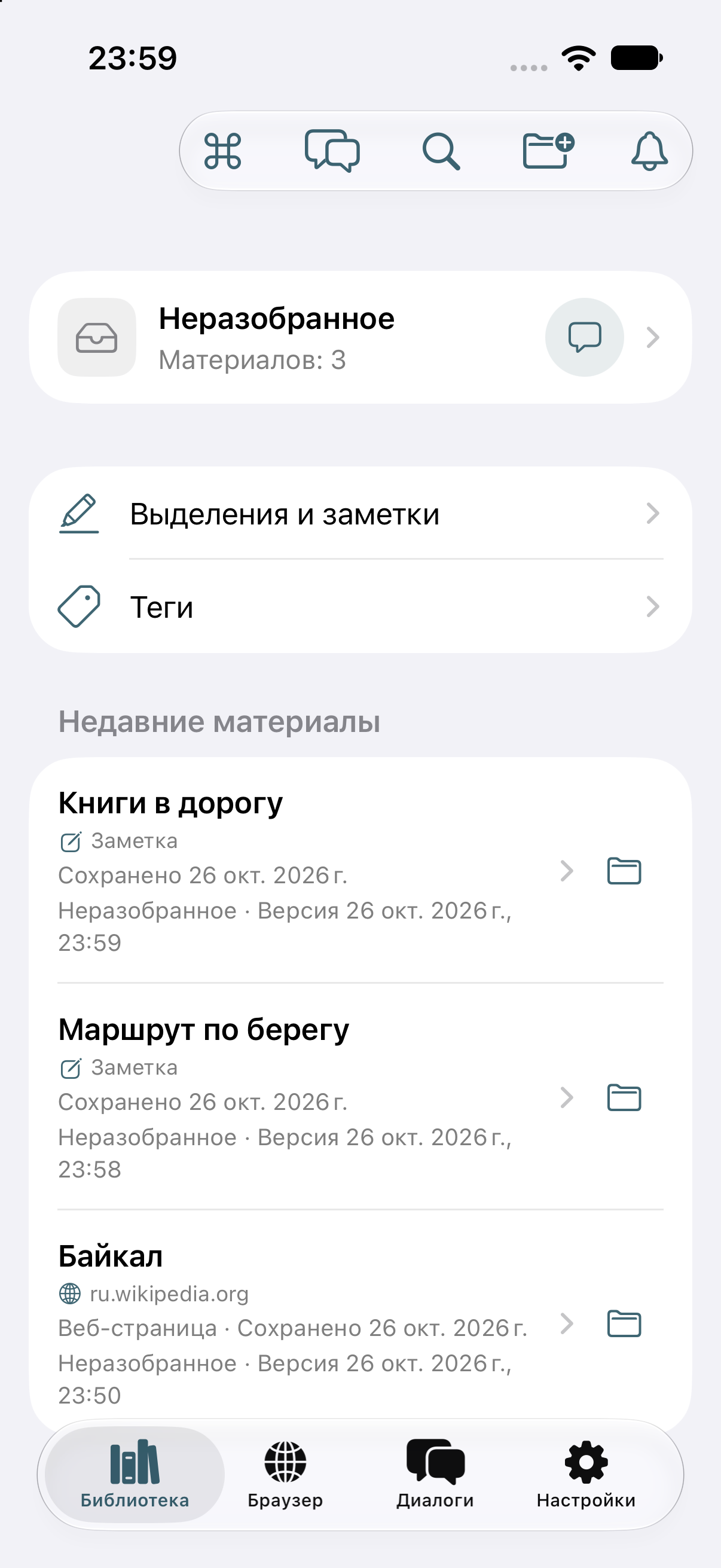
Switch collections, search and open materials.
Your library, reader and AI chat. This is what they look like in the app.
An article, a book or a note. Anything you want to return to.
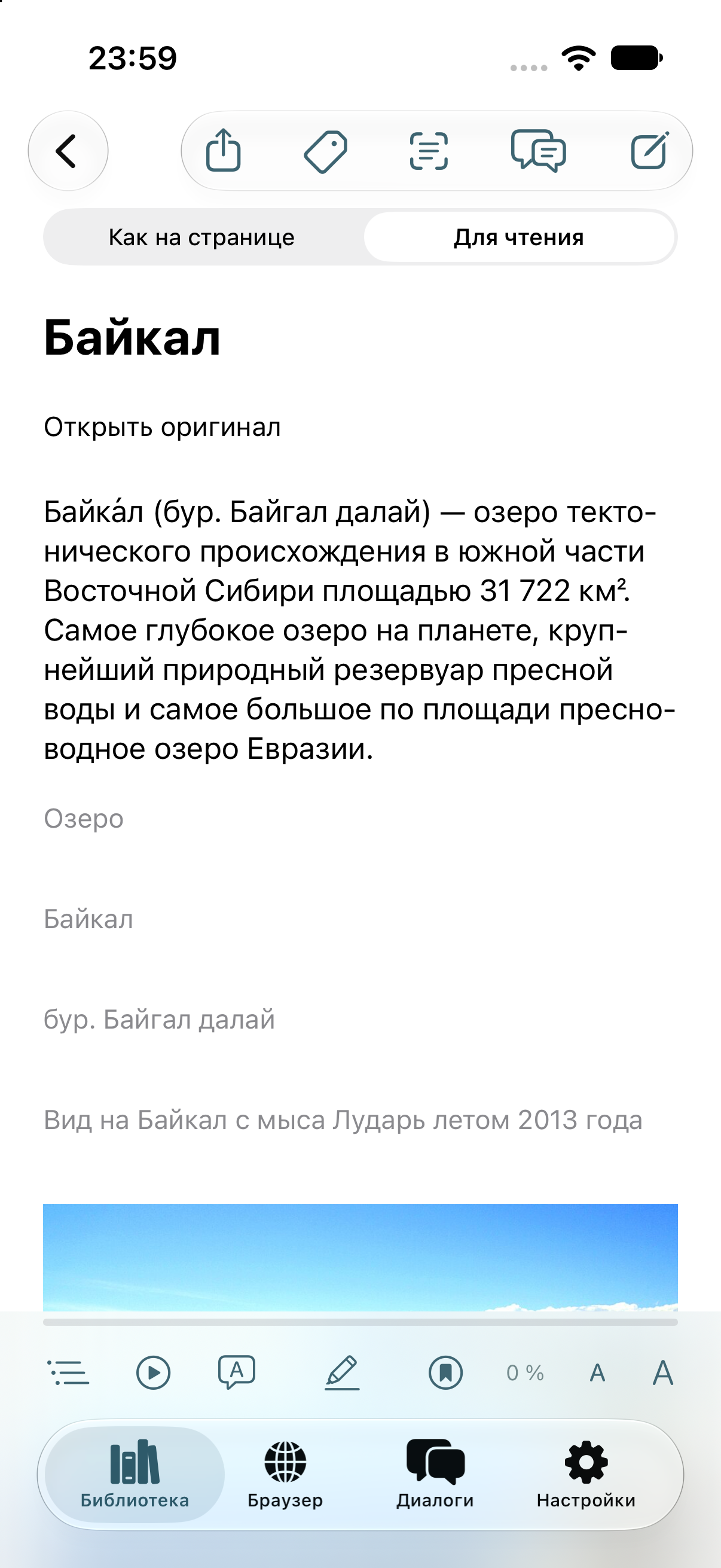
Open a saved material and read it your way.
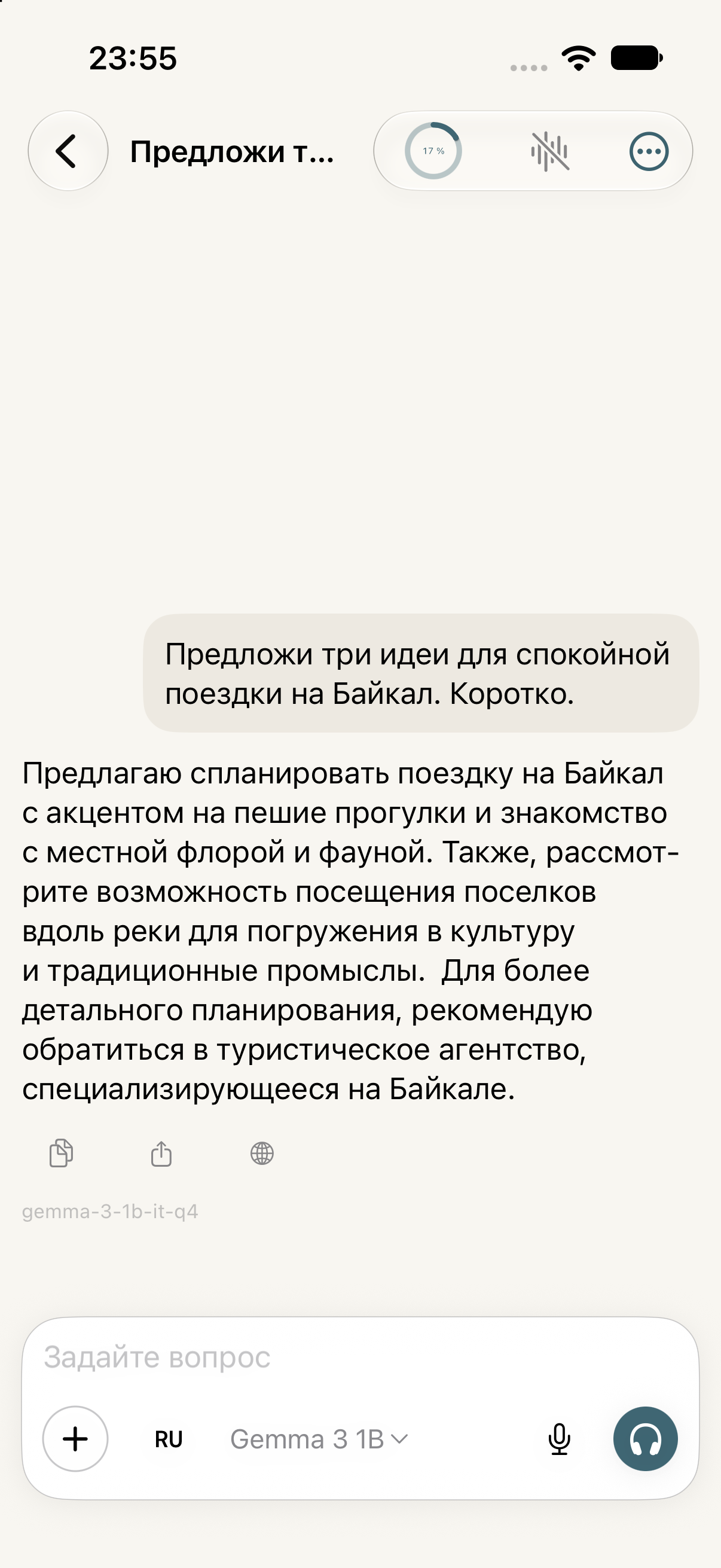
Ask a question and get an answer from a model running on your phone.
App screenshots show the Russian interface. Article shown in the reader: “Lake Baikal”, Wikipedia.
Ask for an explanation, a summary or a comparison of ideas from different sources. AI runs on your phone and helps you make sense of what you have saved.
Saved materials and AI processing stay on your phone.
Your collection suggests a relaxed route: start in a town by the water, walk along the shore and set aside a day with a local guide. Another note recommends a promenade and small cafés for a seaside break. Here are the materials to return to:
Everything your library can do, from saving your first article to choosing your own AI model.
01 / 14Library
 TravelPlaces to explore
 Good foodEveryday recipes
“The north teaches you to slow down. Choose a small town by the water…”
About the app, our plans and your materials.
Your library of articles, books, documents and notes, with AI on your phone. Save, read, search, translate and discuss your materials.
Yes. Your library, search, notes and AI on your phone are free to use.
Not for reading, searching or running AI on your phone.
On-device AI processes materials on your phone. Connecting a computer or cloud service is your choice.
Yes. LoreMill offers a catalog of AI models for your phone, Ollama on your computer and cloud services with your own key. Cloud models are billed under your chosen provider’s terms.
We are preparing LoreMill for iPhone and iPad. Launch news will appear here.
Yes. Android and desktop apps are on the roadmap.
Find a material, open it and ask your library a question.
Try the demo Right here. No sign-up.